Launching on August 15, 2026
Server Opens at
20:00 BRT /
01:00 CEST (+1)
|
|

Download the client and get ready for your adventure!
Windows Client
Ready to download
Choose your preferred download server.
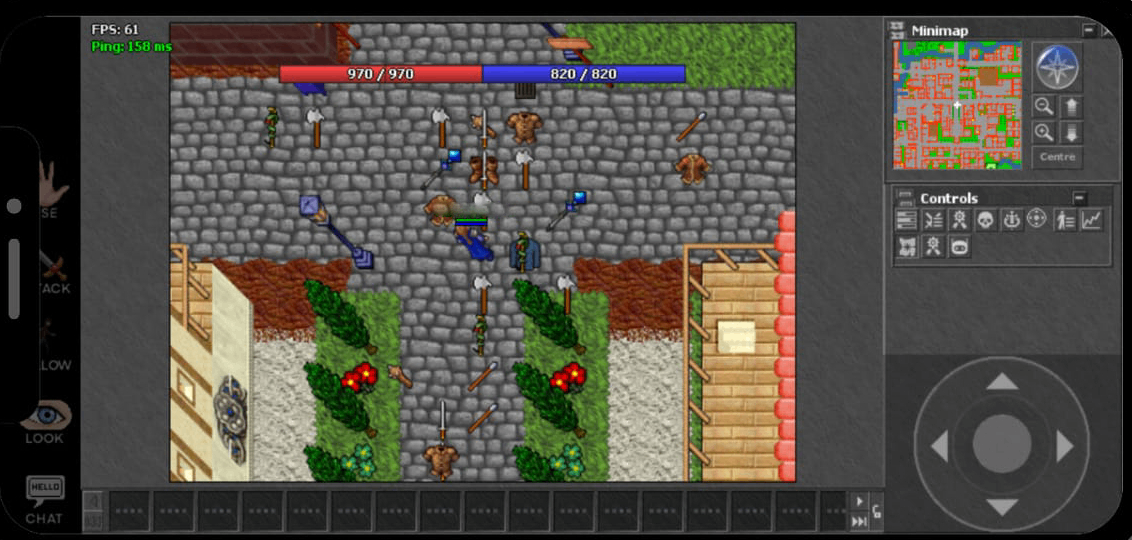
Android APK
Ready to download
Official Asterion 8.0 Android Client
1. Download the Asterion 8.0 APK using the button above.
2. Try to install the APK. If Google Play Protect blocks the installation, open the Play Protect settings.
3.
Go to:
Play Store → Profile Picture → Play Protect → ⚙️ Settings
4. Temporarily disable “Scan apps with Play Protect” / “Analizar las apps con Play Protect” if Android prevents the APK from being installed.
5. Install the APK and launch Asterion 8.0. After the installation, you can enable Play Protect again.
If you experience problems launching the PC client, install the following components.
Microsoft Visual C++ Redistributable Package.
Required if the client reports errors related to
MSVCP140.dll or VCRUNTIME140.dll.
Microsoft .NET Framework package.
Install this package if you experience
.NET Framework related errors.
DirectX End-User Runtime.
Install this package if the client reports
missing DirectX libraries or graphics errors.
⚔️ Ready for adventure?
Download the client, install the required utilities and join the world!